
Introduction
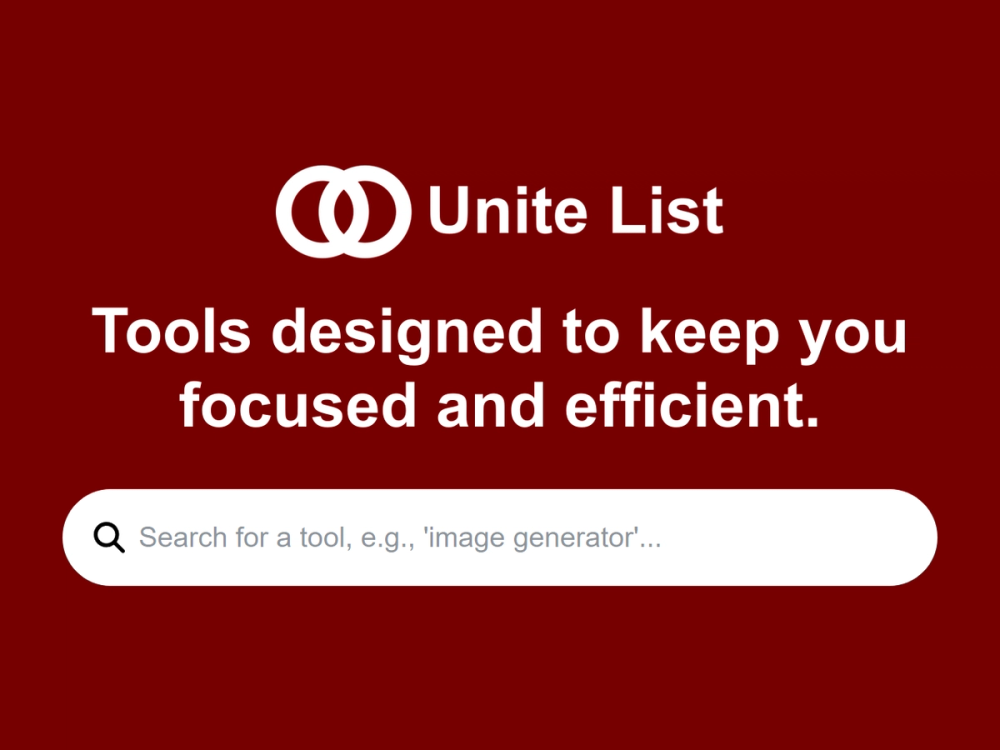
Unite List is a software product directory focused on SaaS, shared-workflow software, and tools built for connected teams. The public site presents it as a discovery layer for comparing products across categories such as launch platforms, product development, productivity and management, APIs, AI assistants, analytics, design tools, marketing, and more. For readers evaluating new software, its clearest value is helping them browse many product options from one organized place, while still checking each listed product's own page before making a decision.
Key Features
- Broad category navigation covering areas such as APIs, AI assistants, analytics, automation, customer support, design tools, launch platforms, product development, productivity and management, SEO, web development, and writing.
- A visible product catalog with more than 800 listed products on the homepage.
- Category pages for specific software groups, including launch platforms, product development, productivity and management, and APIs.
- Product discovery sections such as Featured Products and Latest Products in Unite List.
- Category pages that describe what a tool type is useful for and include comparison-oriented language around features, pricing, and reviews.
- Navigation signals for All Products, Latest, Explore, Submit, Categories, Login, and Search.
Use Cases
Unite List is most useful for people who want to scan a software category before choosing which product pages deserve deeper review. A founder preparing a launch, for example, can use the launch platforms category to see tools connected with product announcements, startup showcases, beta testing, and early-user communities.
Product managers and operators may also find value in the product development and productivity categories. The site describes product development tools as covering roadmaps, user research, feature tracking, backlog management, product analytics, A/B testing, and collaboration workflows. That makes Unite List a practical starting point for building a shortlist, although teams should still verify integration support, plan limits, and current pricing on each vendor's own website.
The directory also appears useful for broad market discovery. Because the homepage mixes featured products, latest products, and category navigation, it can help readers notice tools outside their usual search path, from invoice automation and SEO auditing to image generation, PDF form creation, and API-related products.
Pricing
The public Unite List pages show comparison language around pricing and note that some listed categories include free and paid options. The available evidence does not show a detailed pricing page for Unite List itself, so readers should not assume whether browsing, account access, or submission features have paid tiers. For category research, the pricing references are best treated as signals about listed third-party products rather than confirmed Unite List subscription details.
User Experience and Support
The user experience is organized around browse-and-compare behavior. The homepage includes a large category menu, product cards or product snippets, Featured Products, Latest Products, Search, Login, and Submit navigation. Category pages such as launch platforms and product development add explanatory copy, alternatives, and FAQ-style guidance, which can help readers understand a category before opening individual product listings.
Support details are less explicit. The site shows account and submission paths, but the fetched pages do not make a help center, documentation area, support email, or contact workflow clear. Readers planning to submit or manage a listing should verify how edits, updates, approvals, and support requests are handled before relying on the platform as a primary product-discovery channel.
Technical Details
Unite List is presented as a web-based software directory rather than a developer API or installed product. The public pages expose category routes, search/navigation elements, login access, and product listing pages, but they do not describe the underlying stack, API availability, export formats, or data-refresh process.
Some categories mention technical ecosystems and integrations in the context of listed products. For example, the product development content references tools that may integrate with Jira, GitHub, GitLab, Linear, and other development platforms. Those are category-level examples, not confirmed Unite List platform integrations, so evaluators should separate directory content from the capabilities of each listed product.
Pros and Cons
Pros
- Covers a wide range of software categories, making it useful for early-stage product research.
- Shows category-specific pages that explain common use cases, tool types, and comparison factors.
- Includes visible discovery sections for featured and latest products.
- Provides enough category breadth to help readers compare adjacent software markets, not just one narrow niche.
Cons
- Unite List's own pricing or submission terms are not clearly visible in the fetched pages.
- Support and documentation routes are not prominent from the available public evidence.
- Product snippets vary in depth, so serious buyers still need to verify claims on the vendor websites.
- Some page text blends directory navigation, ads, and product descriptions, which may require careful reading to distinguish platform features from third-party product claims.
FAQ
What is Unite List?
Unite List is a software product directory for SaaS, shared-workflow software, and products built for connected teams. Its public pages organize products by categories such as launch platforms, product development, productivity and management, APIs, AI assistants, SEO, design tools, and web development.
Who is Unite List best suited for?
Unite List is best suited for founders, product managers, operators, marketers, and software buyers who want to discover tools before visiting individual vendor sites. It is especially relevant when someone is building a shortlist across a category rather than evaluating a single known product.
What can users clearly verify from the public site?
Users can verify category navigation, featured and latest product sections, product snippets, search and login navigation, a submit path, and category pages for areas such as launch platforms and product development. The site also states that it includes more than 800 products.
Does Unite List show pricing information?
The site includes category-level language about comparing features, pricing, and reviews, and some category copy mentions free and paid options for the tools being listed. It does not clearly show a dedicated Unite List pricing page in the fetched evidence, so users should verify any submission or account costs directly on the site.
Can Unite List help compare launch platform tools?
Yes, the public site includes a launch platforms category and describes that category as covering product launch directories, beta testing platforms, early adopter communities, product announcement tools, and related launch campaign resources. Readers should treat this as category guidance and then check each listed launch tool separately.
What should teams check before relying on Unite List for software research?
Teams should verify how current each listing is, whether product pricing and features match the vendor's own website, and whether reviews or ranking signals are available and transparent. For procurement or technical adoption, Unite List should be a discovery starting point rather than the only source of truth.
Does Unite List provide technical integrations or an API?
The fetched pages do not clearly show a Unite List API, export feature, or integration documentation. Technical references such as GitHub, GitLab, Jira, or Linear appear in category descriptions for listed product development tools, not as confirmed integrations of Unite List itself.
Conclusion
Unite List works as a broad discovery directory for software products, with enough category structure to help readers scan markets such as launch platforms, product development, productivity, and APIs. Its strength is organized discovery, while its main limitation is that deeper pricing, support, and technical details still need verification from the platform or from the individual products listed. For a buyer or founder starting research, it is a useful first stop before moving into direct vendor evaluation.